Text to Video
Turn a written scene into a short video with Grok AI Video Generator. Describe the subject, action and setting to begin without a reference photo.
Text to video · Image to video
Create short videos from text or images with Grok AI Video Generator. Describe a scene, animate a photo, and choose the format for product showcases, social posts or story clips.
Capabilities
Generate videos from text or images, create and edit supporting artwork, and choose motion and output settings in Grok AI Video Generator.
Turn a written scene into a short video with Grok AI Video Generator. Describe the subject, action and setting to begin without a reference photo.
Use a photo or illustration as the starting image in Grok AI Video Generator. Add a prompt describing the subject's movement and the camera direction.
Create artwork from a text description with the image tools in Grok AI Video Generator. Use it on its own or as a video reference.
Generate an ImageUpload an image to Grok AI Video Generator and describe the changes you want. Prepare another version of your artwork before using it in a video project.
Edit an ImageDescribe what moves and how the camera follows in Grok AI Video Generator. Use prompts for a character gesture, a moving subject or a product close-up.
Choose the aspect ratio, duration and resolution in Grok AI Video Generator, with the credit estimate shown alongside your settings.
PRODUCT FEATURES
Explore how reference images, motion prompts and video settings shape your Grok AI Video Generator projects—from character animation to product shots and cinematic scenes.
Start in Grok AI Video Generator with a product photo or character illustration. The image supplies the opening scene, while your prompt describes the action that follows.
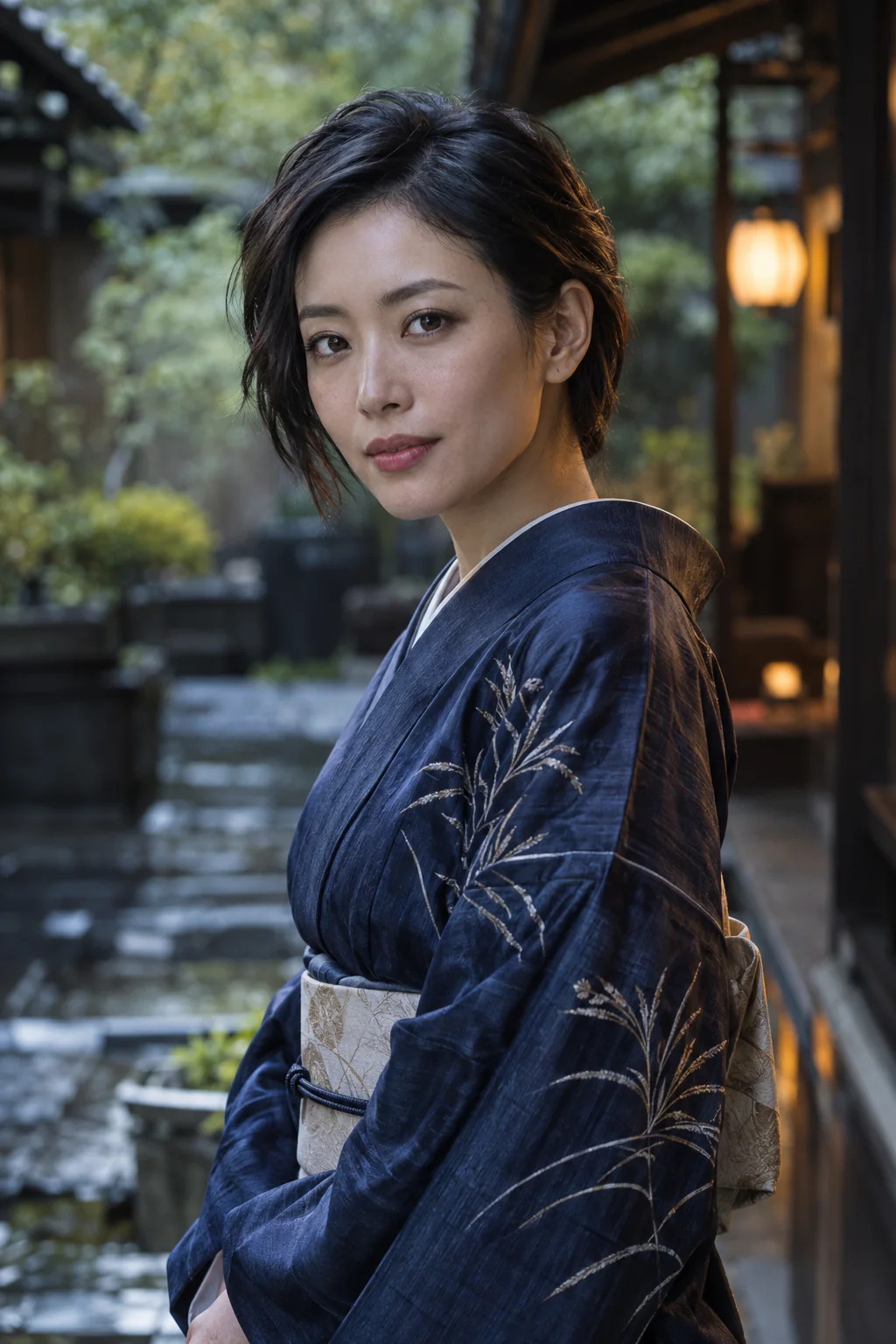
Describe subject movement and camera motion in your Grok AI Video Generator prompt. Combine a still product with a slow push-in, or ask the camera to follow a moving subject.
Generate a scene from text with Grok AI Video Generator. Describe the setting, lighting and action for a story opening, a short narrative moment or an atmospheric background clip.
Grok Imagine requires an active subscription and supports 6, 10, 15 or 30 seconds at 480p/720p, with text or one reference image. Video 1.5 needs no subscription and supports 1–15 seconds at 480p/720p/1080p, with text or one image.
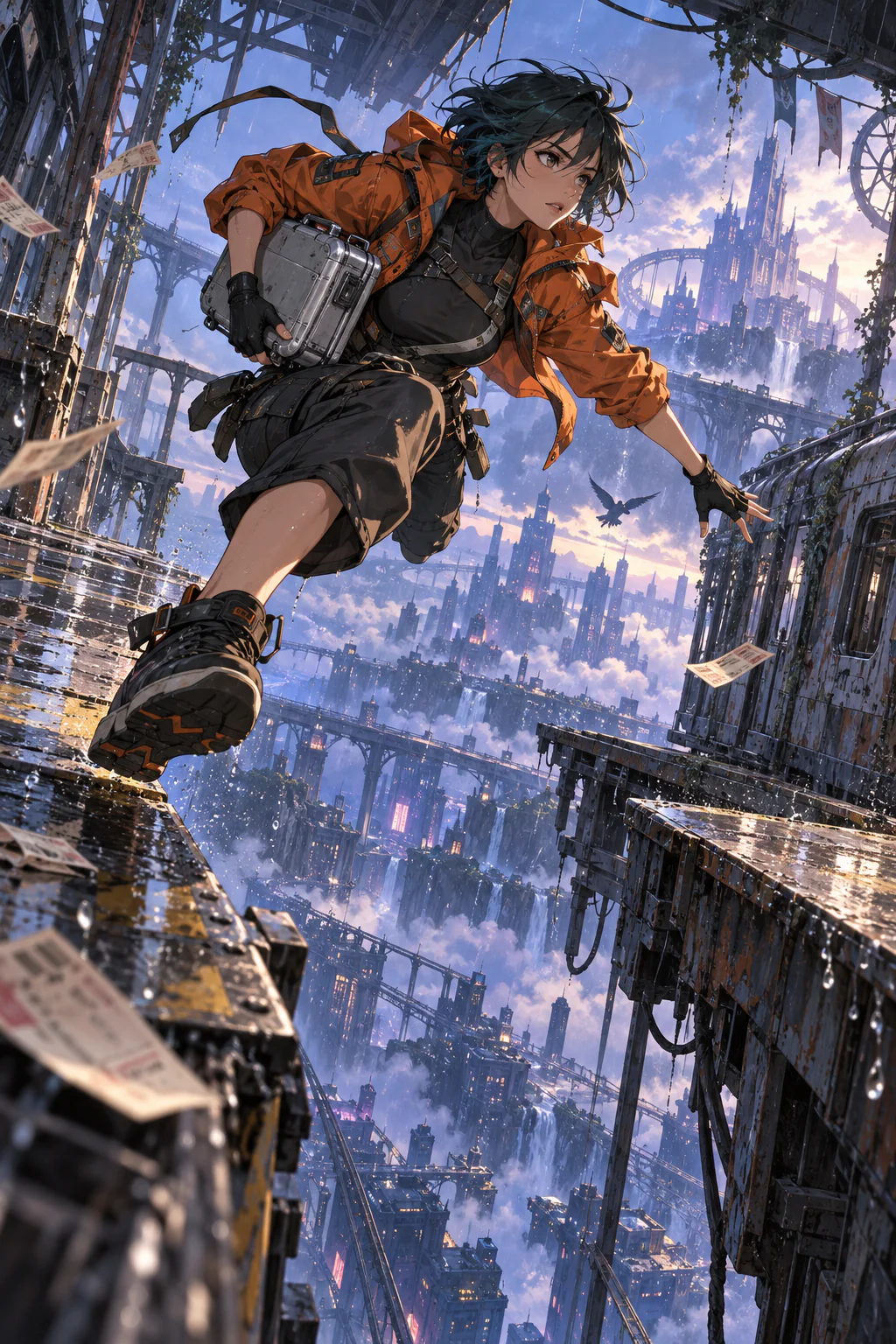
Explore movement, character detail, atmosphere and imagined worlds. Watch a community clip, then adapt a similar-style prompt for your next Grok AI Video Generator project.
Community video · 10s
A red sports car moves through a neon city in changing camera views. Explore tracking-shot ideas for Grok AI Video Generator through subject stability, reflections and background speed.
@XFreeze · Source postA red unbranded sports car speeds through a futuristic neon city at night. Follow the car from a low rear angle, then reveal its side as wet road reflections stream past. Keep the car shape consistent and the racing direction clear.
Choose a task, prepare your prompt or image, and review the output settings and credit cost before generating.
STEP 01
Describe a scene for text-to-video in Grok AI Video Generator, or upload a picture and describe its movement for image-to-video.
STEP 02
Select the aspect ratio, duration and resolution in Grok AI Video Generator. Check the displayed credit estimate before generating.
STEP 03
Review the clip from Grok AI Video Generator, download it, or change your prompt to create another version.
Make your Grok AI Video prompt specific about the subject, action, camera and lighting. Keep changes focused when comparing different versions.
Tip 1 of 5: Describe Subject and Camera Movement
Try Grok AI Video Generator with free sign-up credits. Compare plans for more video generation, with credit usage based on your chosen duration and resolution.
Occasional projects
$12.00/month
$144.00 billed yearly
Save 20%
400 credits / month
Annual total: 4,800 credits, issued in 12 monthly installments.
Unused subscription credits expire each monthly period; no rollover.
Each month: up to 400 FLUX.2 [klein] 4B images or 22 Grok Imagine videos (6s, 480p).
Regular creative work
$14.50/month
$174.00 billed yearly
Save 50%
800 credits / month
Annual total: 9,600 credits, issued in 12 monthly installments.
Unused subscription credits expire each monthly period; no rollover.
Each month: up to 800 FLUX.2 [klein] 4B images or 44 Grok Imagine videos (6s, 480p).
More projects and variations
$99.00/month
$1,188.00 billed yearly
Save 23%
5,000 credits / month
Annual total: 60,000 credits, issued in 12 monthly installments.
Unused subscription credits expire each monthly period; no rollover.
Each month: up to 5,000 FLUX.2 [klein] 4B images or 277 Grok Imagine videos (6s, 480p).
Find answers about Grok AI Video Generator accounts, free credits, video settings and image editing.
Eligible new accounts receive 5 signup credits. You can use them with FLUX.2 [klein] 4B, Muse Image, Nano Banana 2 Lite, GPT Image 2, Grok Imagine 2.0, Video 1.5 or MiniMax H3 when your balance covers the selected settings. Grok Imagine images and videos require an active subscription. Signup credits expire after 30 days.
No. You need an account to generate with Grok AI Video Generator. You can prepare a draft before signing in, then review the credit cost before submitting.
No. Each generation in Grok AI Video Generator has a displayed credit cost. Your available balance must cover the selected video settings or image count.
No. Grok AI Video Generator uses its own accounts and credit balance. An X Premium or official Grok subscription does not provide credits on this website.
Use Grok AI Video Generator for text-to-video and image-to-video. Open its Grok Imagine workspace to generate images from text or edit uploaded images.
Grok AI Video Generator accepts PNG, JPG and WebP images up to 10 MB. Choose a clear subject with some surrounding space, especially when planning a turn or camera movement.
Grok Imagine requires an active subscription and supports 6, 10, 15 or 30 seconds at 480p/720p, with text or one reference image. Video 1.5 needs no subscription and supports 1–15 seconds at 480p/720p/1080p, with text or one image.
No. Grok AI Video Generator is independent and is not affiliated with or endorsed by xAI or X Corp. Grok and Grok Imagine belong to their respective owners.
“I start with a product photo and describe a slow camera move. Grok AI Video Generator gives me a focused starting point for a launch-page clip.”
Product marketer
“For my vertical posts, I keep the scene simple and leave space for a headline. Grok AI Video Generator fits that way of planning short content.”
Content creator
“I bring an illustration into Grok AI Video Generator and describe a small gesture. It gives me a way to explore the character beyond a still image.”
Illustrator
“When I outline a story, I use Grok AI Video Generator to explore a scene's mood before deciding which camera movement belongs in the next draft.”
Independent filmmaker
“For a lesson opening, I use Grok AI Video Generator to keep the visual focused on one idea, with a simple subject and a clear movement.”
Educator
“I use Grok AI Video Generator to explore close-ups of handmade pieces. Changing the light and camera direction helps me compare different ways to present the details.”
Shop owner
“Grok AI Video Generator works well with my habit of changing one detail at a time. I can explore a visual direction without rewriting the whole idea.”
Designer
“I describe a place in Grok AI Video Generator and build the scene around a slow camera move. That gives my travel concepts a clear visual starting point.”
Travel creator
Start with a prompt or photo in Grok AI Video Generator. Sign in and review the credit estimate before bringing your idea to life.